Calls
Inspect calls across the active environment
Hand off to an LLM
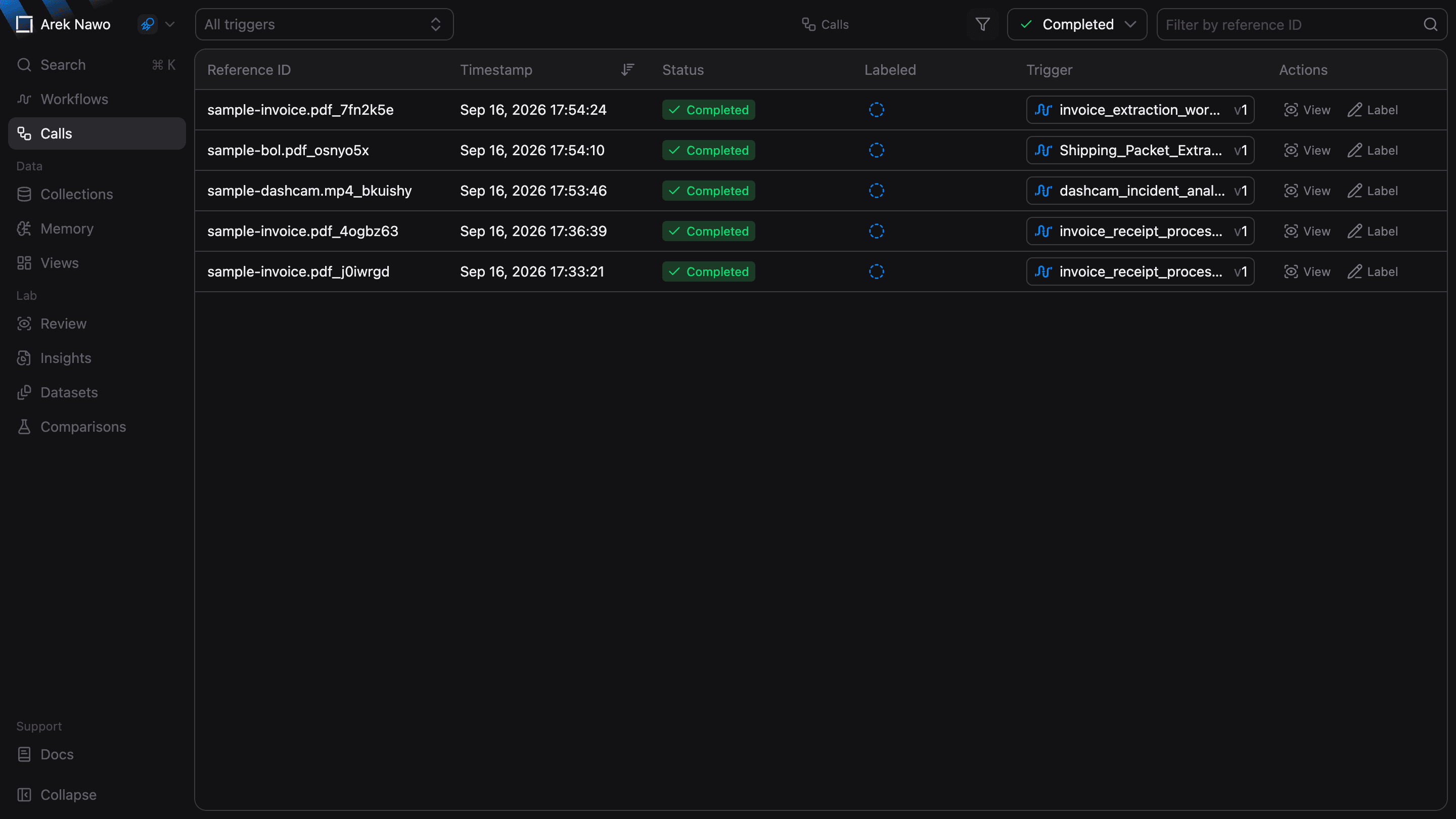
Use Calls to monitor workflow calls across the active environment and find ones that need your attention. The list shows the newest calls first and updates as processing continues.
Find a call
Filter by workflow or status to narrow the list. For example, select Failed to find calls that need investigation.
To find a specific call, search for part of its Reference ID.
Inspect and label results
Select a row or View to open Workflow Calls, where you can compare inputs with outputs and inspect individual processing steps and errors.
Select Label to confirm or correct outputs in Corrections. The Labeled column shows whether the outputs have been reviewed. Hover over its indicator to see how many are confirmed or corrected.