Corrections
Confirm and correct the outputs from a workflow call
Use Corrections to record which outputs are correct and label those that are not. Labeled outputs are useful for evaluating your workflow's performance, finding weaknesses, and improving it. See the Lab for more details.
Open a workflow and select Corrections, or select Label for a call in the global Calls list to access the Corrections page.
Choose an output
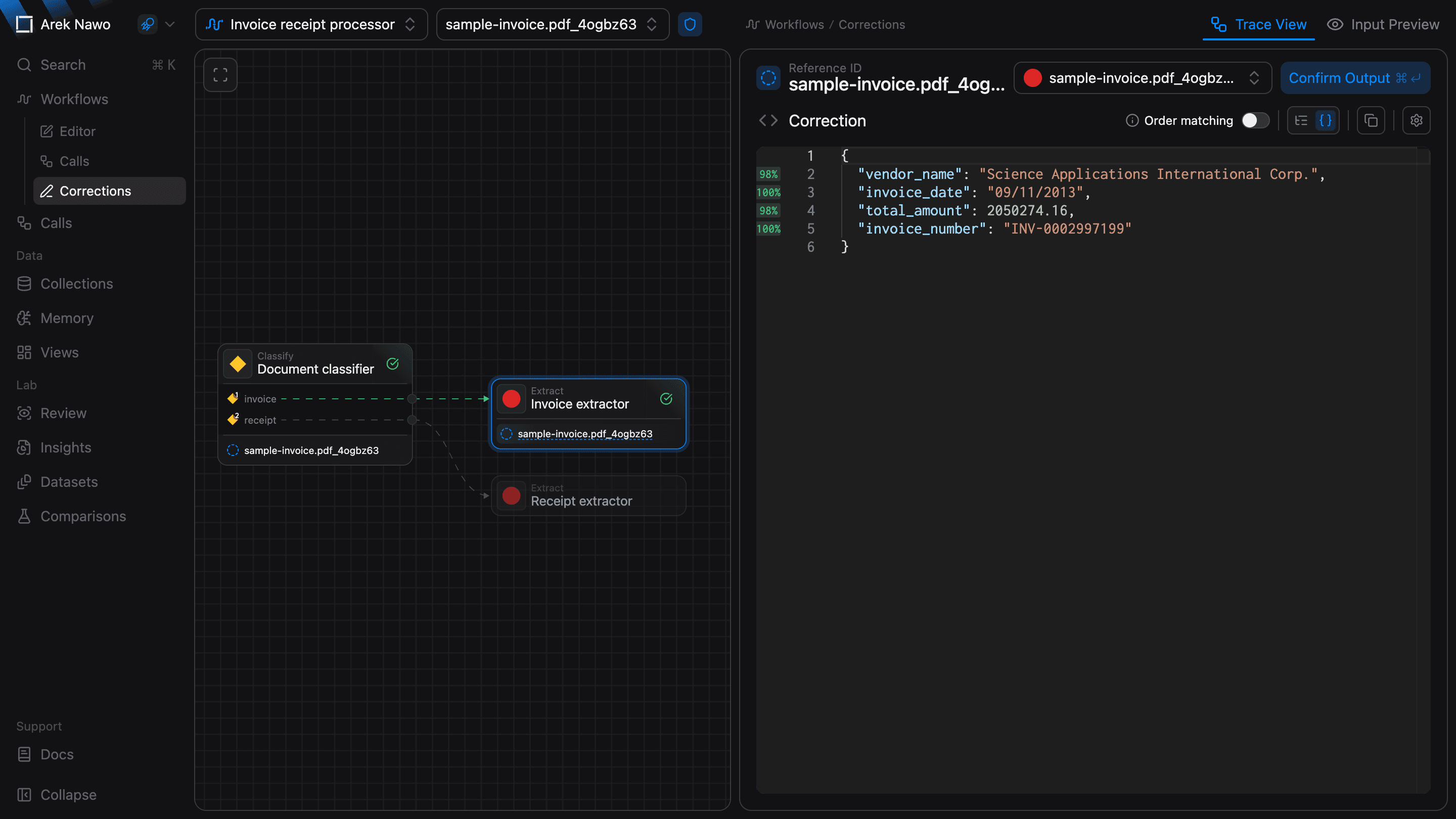
Select a call, then use Select output or the trace graph to choose a result. You can review intermediate outputs as well as the final result. Corrections are available for Extract, Join, and Classify outputs.
Check and correct the result
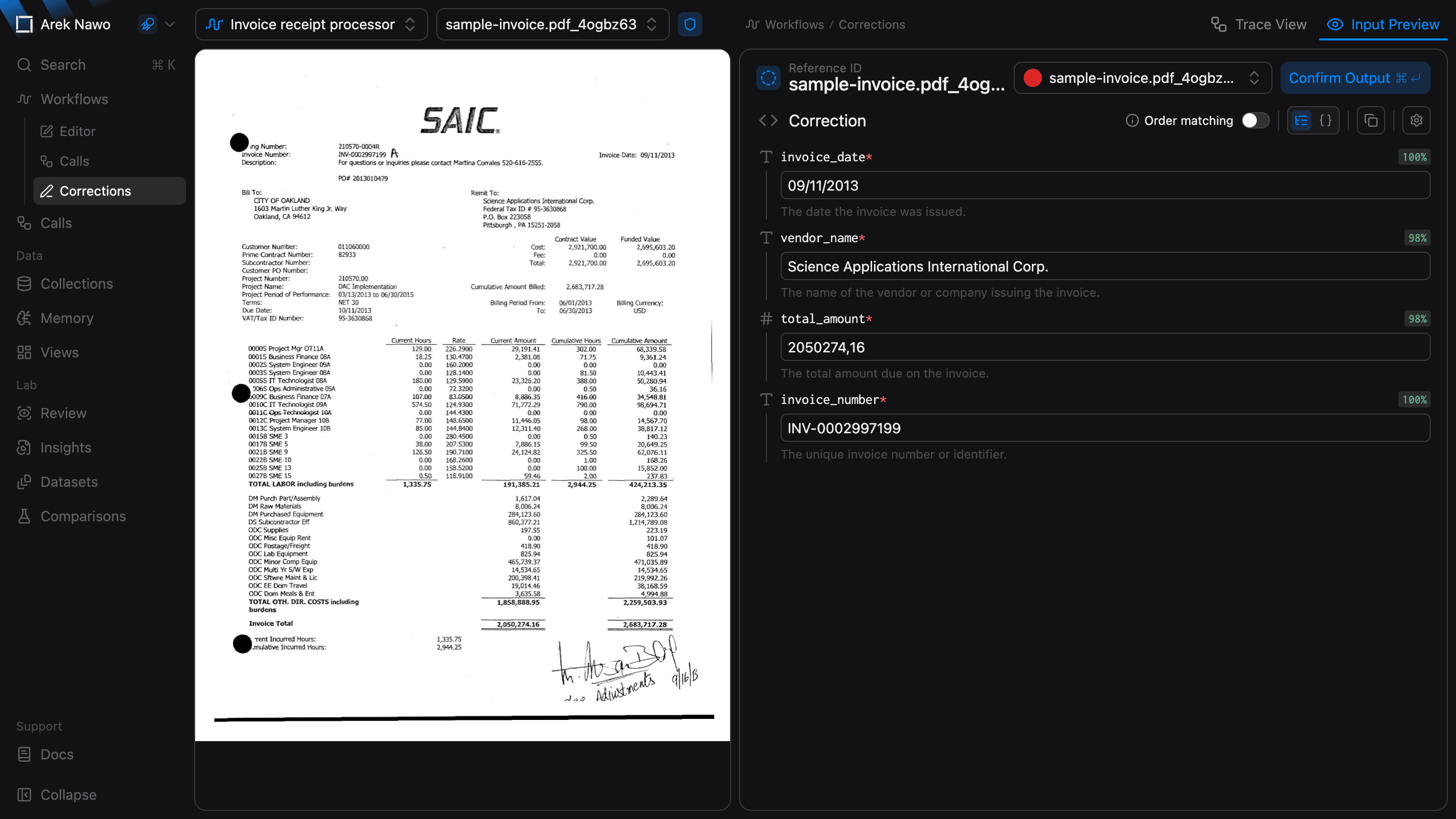
Switch to Input Preview and compare the output with the source file. Evaluation scores, when available, can help you find fields that need closer inspection. The preview can also highlight a field's source region if bounding boxes were enabled for the function.
If the output is correct, select Confirm Output. Otherwise, edit the fields in Tree Editor or the JSON in Code Editor, then select Submit Correction. More complex schemas support only the code editor.
Turn on Order matching when the order of array items matters. Leave it off when the same items in a different order are still a correct result.
For a Classify output, select the correct classification and submit it.
After you save a structured correction, use Content to compare it with the original output. Select Edit Correction if you need to change it.