Datasets
Collect labeled outputs for function comparisons
Use Datasets to group outputs you have confirmed or corrected into a reference Golden Dataset. These can later be used in Comparisons to evaluate accuracy across different functions or different function versions to see how different changes affect the results.
Create a dataset
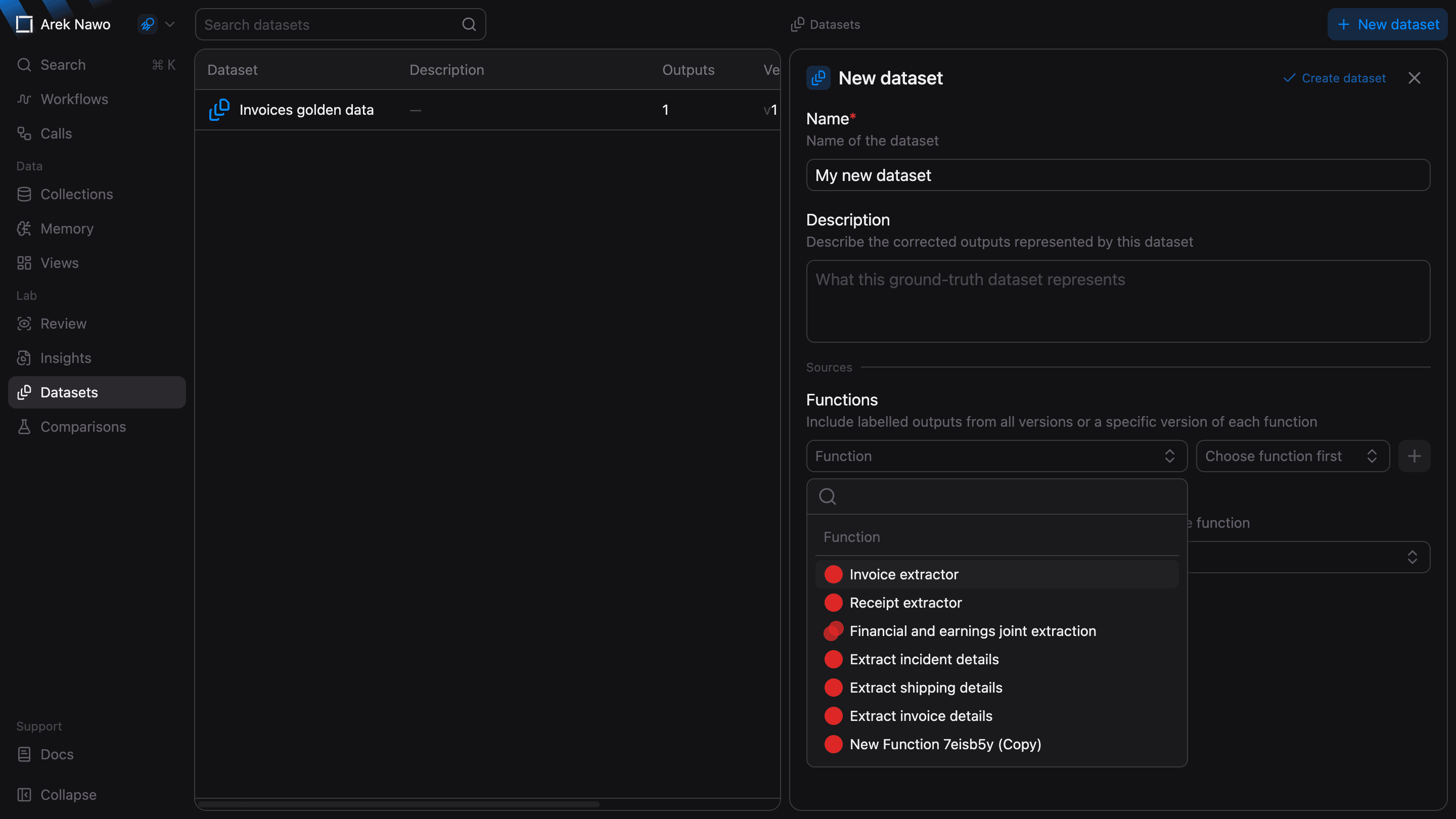
First, ensure you've labeled a sizable set of outputs in the Corrections page. Then select New dataset, give it a name, and choose the outputs to include.
Under Functions, you can include labeled outputs from all versions of a function or from its specific version. Use Individual events to include specific outputs by reference ID. You can combine both sources in one dataset.
Inspect a dataset
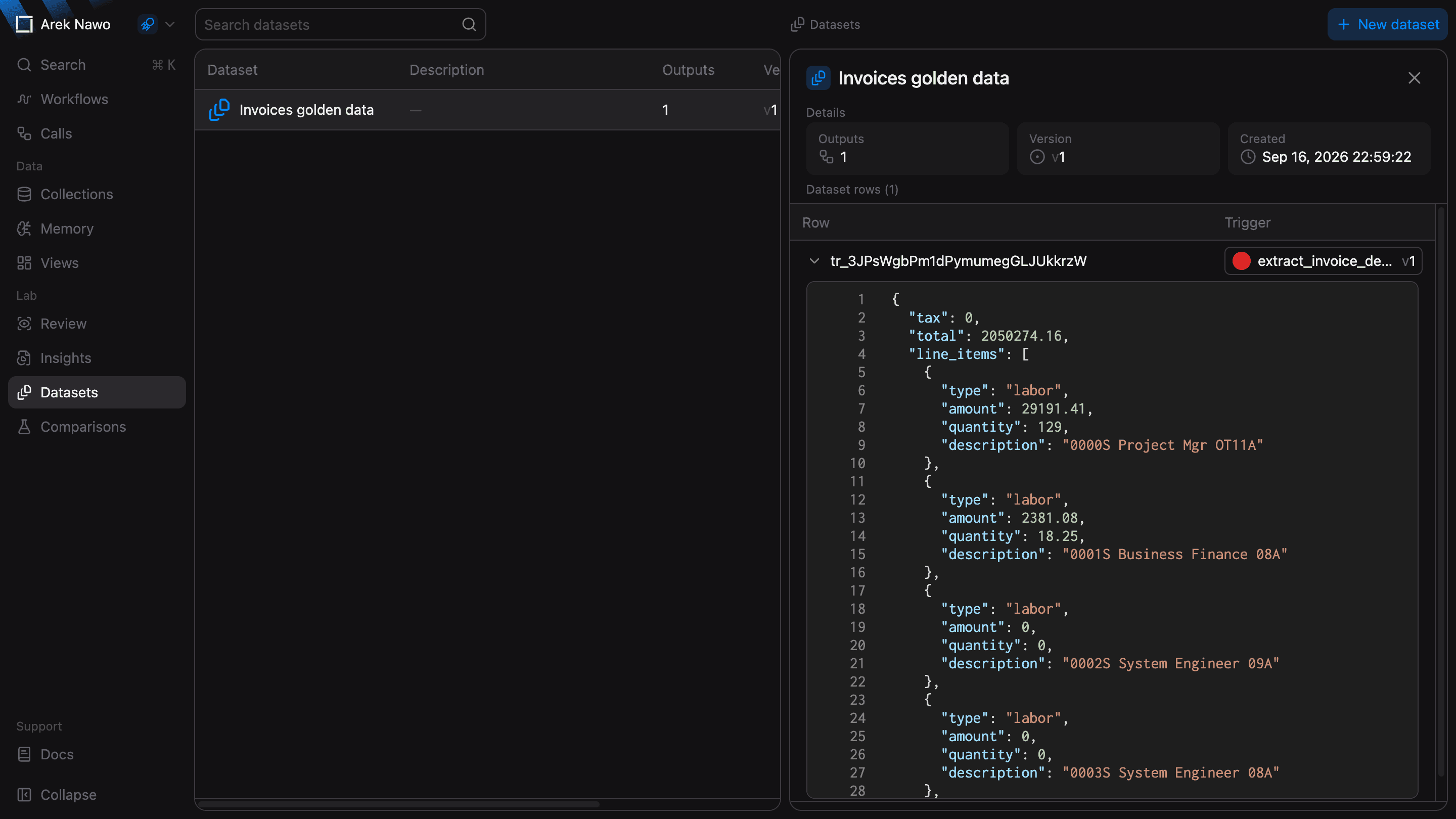
Open a dataset to see all its included outputs. Expand a row to see the expected content and source function version of the given output. Ensure that the labels are correct and the examples cover the inputs you want to evaluate.